

View more
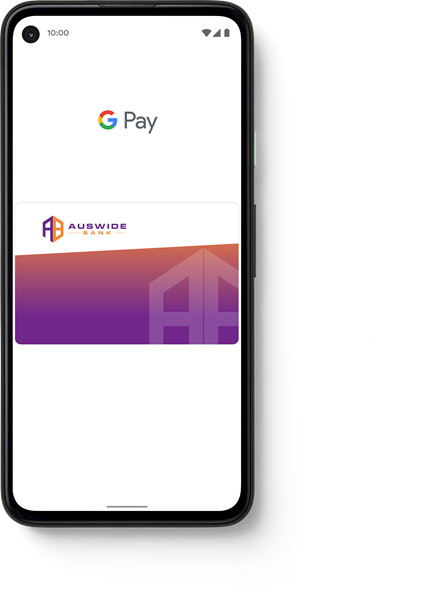
How to Add

On your mobile
- Download the Google Wallet app from Google Play
- Open the Google Pay app
- Tap the ‘Add a card’ button to add your eligible Auswide Bank cards
- Enter the verification code you receive via SMS
On your Google Wear OS Wearable
- Open the Google Pay app on your wearable device
- Have your phone and card ready and ensure you have a screen lock set up on your phone
- Add your eligible Auswide Bank cards using the Google Wear OS Companion app on your phone
- Enter the verification code received via SMS and wait for confirmation
Have some questions?
We’re here to help.