

Download the Auswide Bank app
With the Auswide Bank Mobile Banking App you have greater access and control of your money.
To access the Mobile Banking App, register for Internet Banking and SMS Secure, login to Internet Banking to update your Access Code to one of your choosing, then login to the Mobile Banking App with your new Internet Banking login details.
Once you've logged in via the app using these details, you'll be prompted to set a PIN, Pattern, or Password for the app. If you have a compatible device, you can even opt in to use a Biometric login (i.e. Fingerprint / Touch ID or Face ID).
Download from the App Store or get it on Google Play.


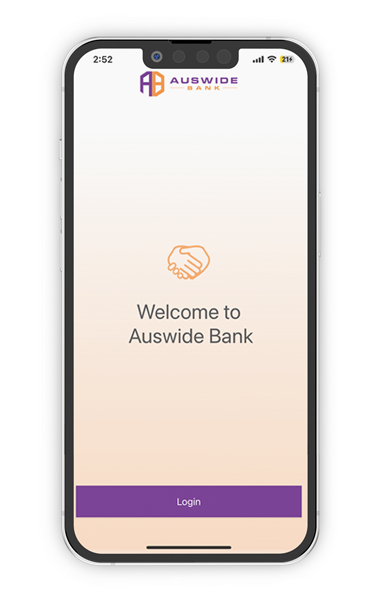
More ways to login
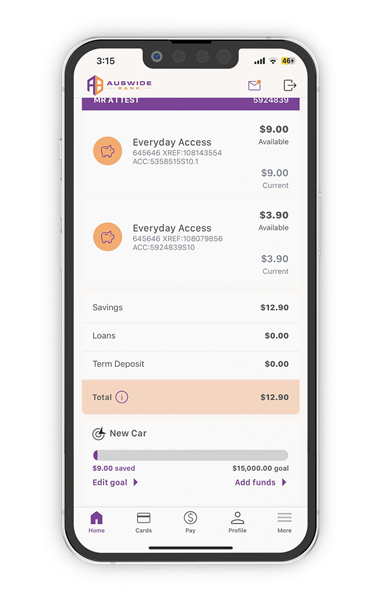
Manage your accounts and cards
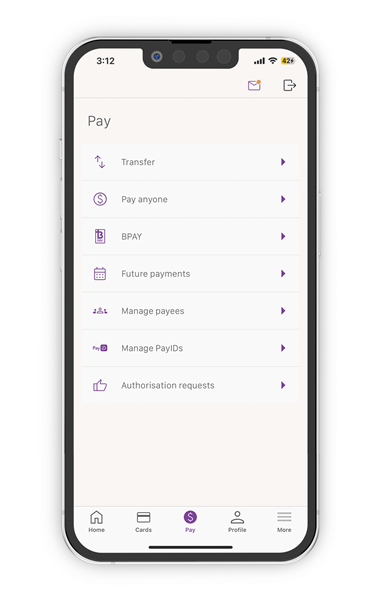
Easy Payments
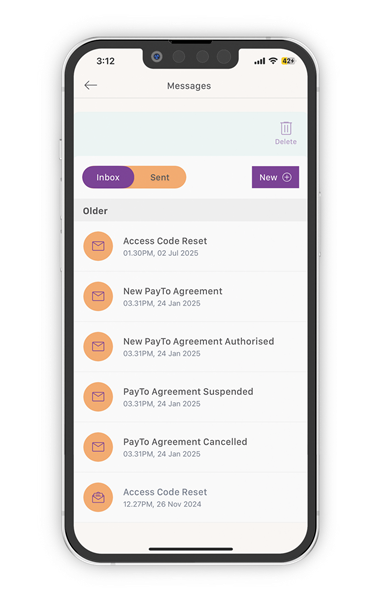
Chat with us via Secure messages
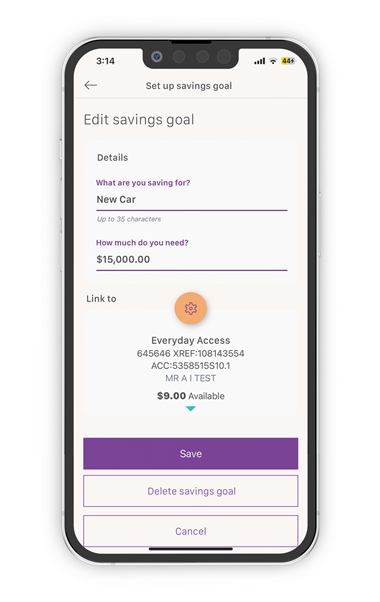
Set a Savings Goal and track your progress
Support
Have some questions?
We’re here to help.